

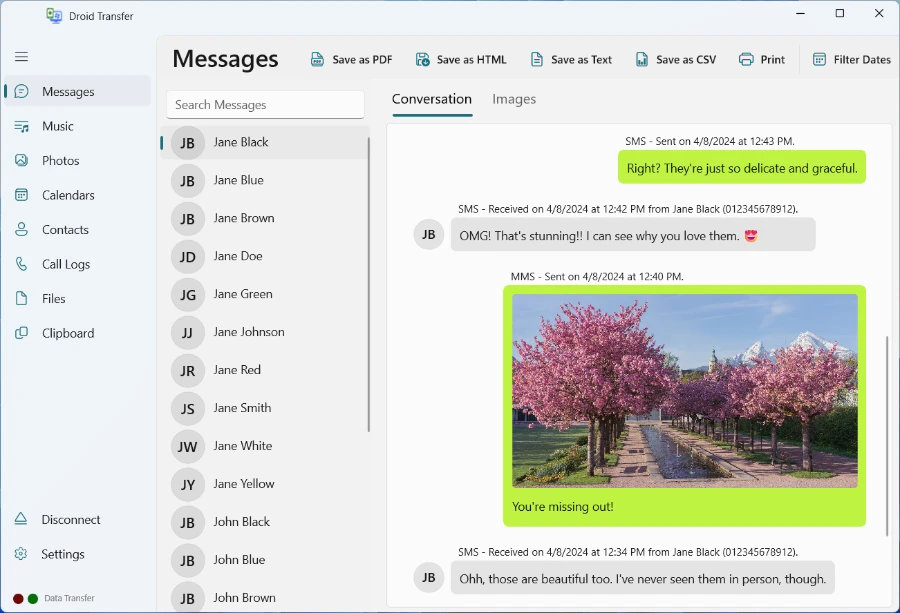
How to Install Droid Transfer.
1. Depending on the browser you are using; the progress of your download should be visible in your browser. For example on Microsoft Edge...
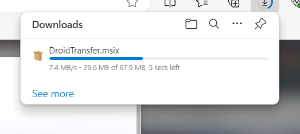
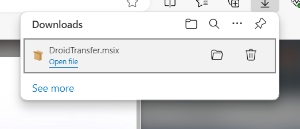
2. Please wait for the Droid Transfer download to complete. Once it's done, click the downloaded file to start the installer.
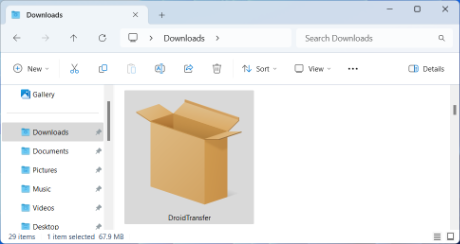
3. Alternatively, you can start the Droid Transfer installer by double-clicking the downloaded installer package. Depending on your web browser, the installer will either have been downloaded to your Desktop or your Downloads folder. Double-click on the Droid Transfer installer to start installation.
4. Work through the on screen prompts of the installer by clicking "Install".
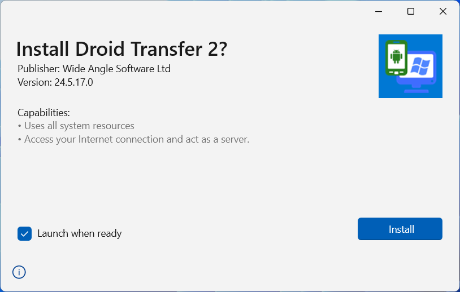
5. Droid Transfer will install on your PC, once finished - it should run automatically.
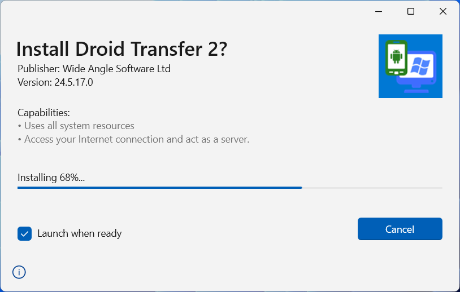
6. You can also launch Droid Transfer from the Windows start menu or by searching "Droid Transfer".
How to Uninstall Droid Transfer.
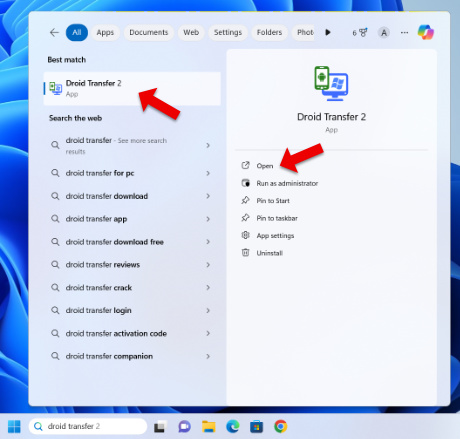
1. To completely uninstall Droid Transfer from your PC, click the Windows icon in the bottom-left corner of your screen and click the Settings (gear) icon.
2. Next, select "Apps" and ensure you are viewing "Apps & Features".
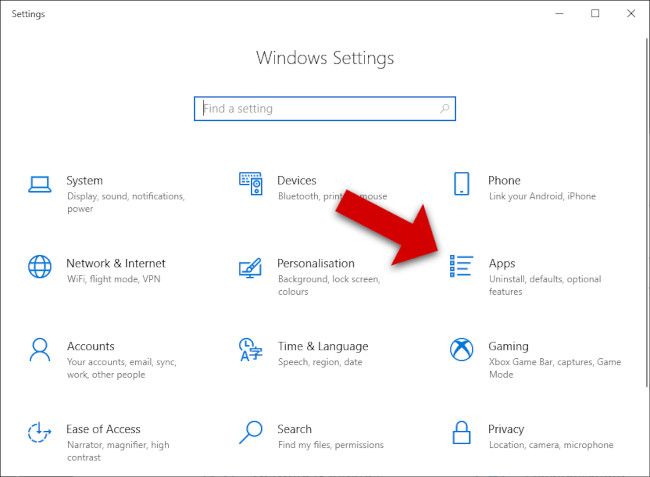
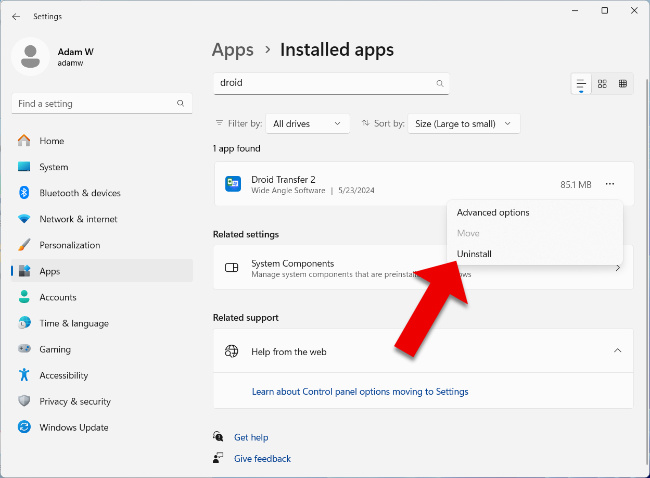
3. Find Droid Transfer in the list of apps (you can search for it using the search box).
4. Uninstall
- Windows 10: Select Droid Transfer and click Uninstall.
- Windows 11: Click the menu icon (3 dots) next to Droid Transfer, and click Uninstall.
Thank you for trying Droid Transfer.
Free Download Limitations
Droid Transfer is available as a free trial download, with the following limitations:
- Full access to the Calendars feature is available in the free version.
- You can delete music on your Android device and copy clipboard content between your Android phone and PC.
- Transfer up to 100 music and photo items between your Android device and PC.
- Call History exports are limited to the first 2 calls per contact.
- View all messages on your PC, and save the first 5 messages from any conversation.
- Android Contacts and files can be viewed on your PC; backing up and restoring them requires a full license.
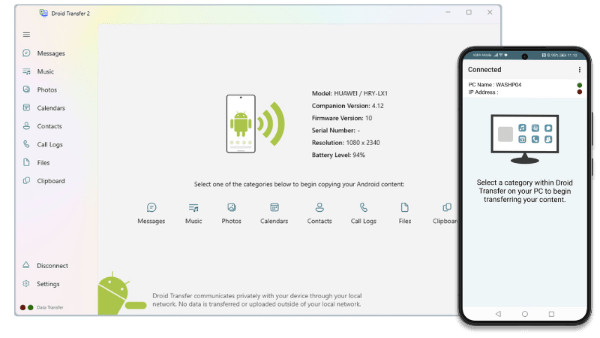
Fully registered software will run indefinitely and can be used with an unlimited number of Android devices. Droid Transfer is fully registered when it has been activated with a purchased activation code.
Buy Droid Transfer Now