Identify music files and download missing metadata including album artwork, artist names, album titles, genres, and more.
Tags are saved directly to your files and work across Apple Music, iTunes, iPhone, Android, and other music players.
Download Music Tag for PC or Mac and complete your music library.
Compatible with Windows 11, 10, 8 and 7
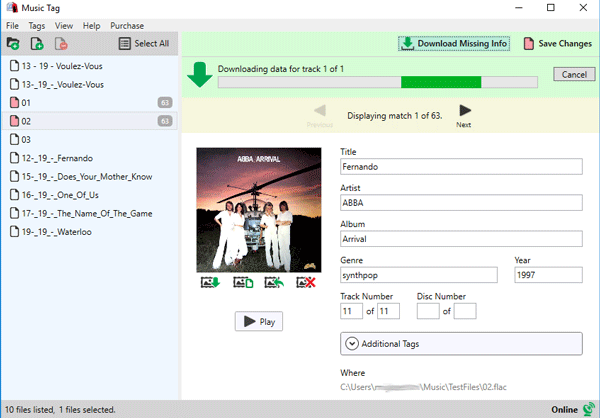
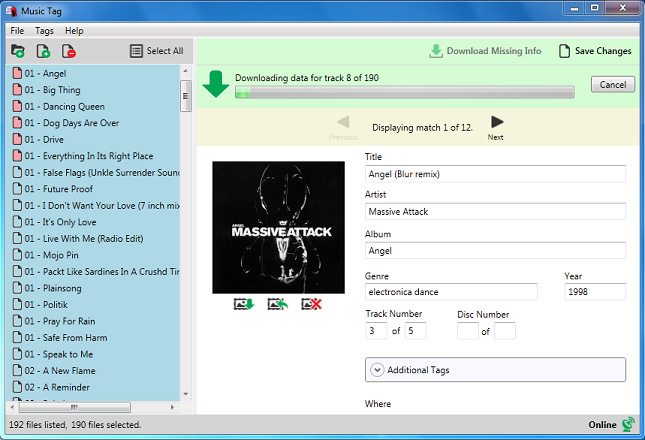
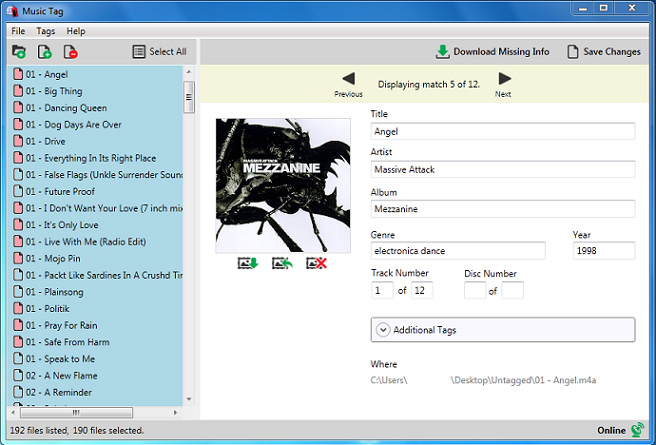
Music Tag uses advanced digital fingerprinting technology to identify your music and download the correct metadata including song titles, artists, albums, genres, and album artwork. Music Tag can recognize over 35 million songs.
Automatically fixing missing song information and artwork helps organize your music library in minutes.
You can also manually add, edit, or remove tags from your tracks.
ID3 Tags in MP3 Audio files
MPEG-4 (MP4, AAC, iTunes)
Windows Media Audio (WMA)
Free Lossless Audio Codec (FLAC)
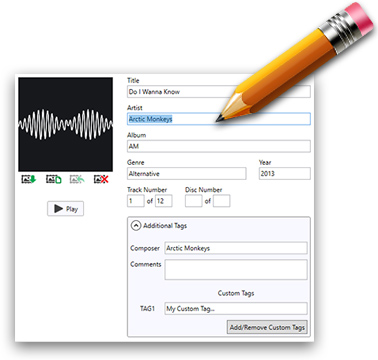
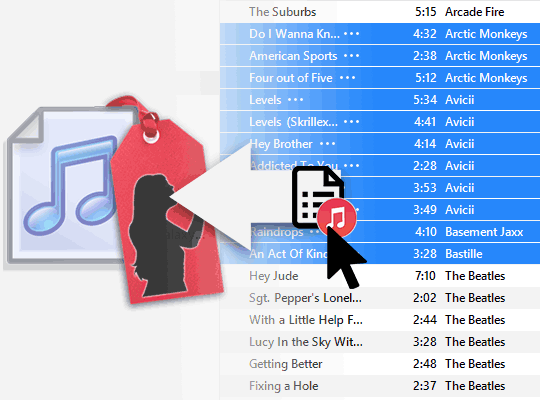
Music Tag updates the metadata saved inside your music files, so your songs appear correctly in iTunes, Apple Music, Windows Media Player, and other music players.
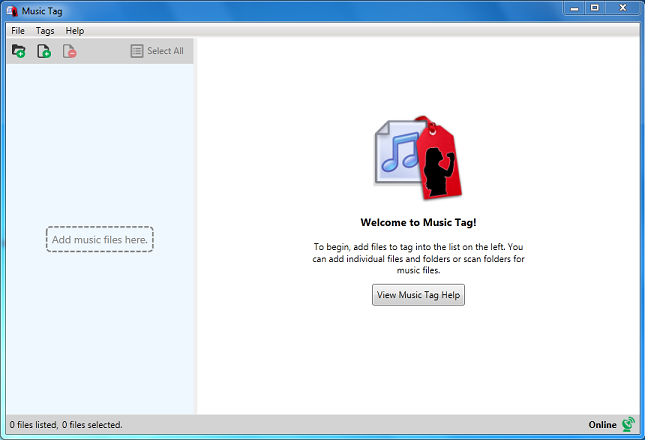
Have tracks with missing or incorrect information? Simply drag and drop music directly into Music Tag to identify and fix them automatically!
Once saved, your corrected tags and artwork stay embedded in the audio files, helping keep your music library organized across devices and apps.
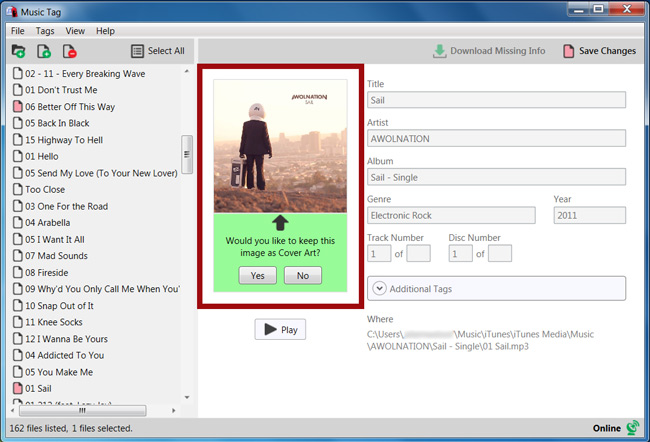
Quickly find and download missing album artwork for your music files. Music Tag can add artwork automatically, or you can import existing cover art from images on your computer.
Artwork and saved music tags work across Apple Music, iTunes, iPhone, Android devices, and other music players.
Complete your music library with high-quality album artwork.