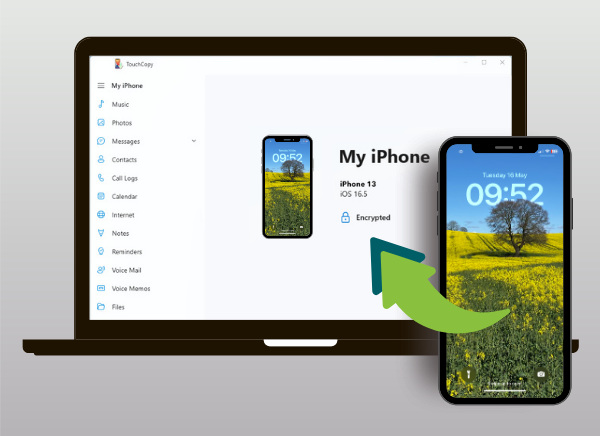
Transfer All Your iPhone
Content to PC or Mac
- Save and Print iPhone Messages
via USB or Wi-Fi - Export Call Logs, Contacts & Notes
- Backup iPhone Photos & Videos
- Copy iPod Music & Playlists
- The Ultimate iPod & iOS Device
Manager for PC and Mac


All models of iPhone, iPod and iPad supported including iPhone 17 and iOS 27 devices
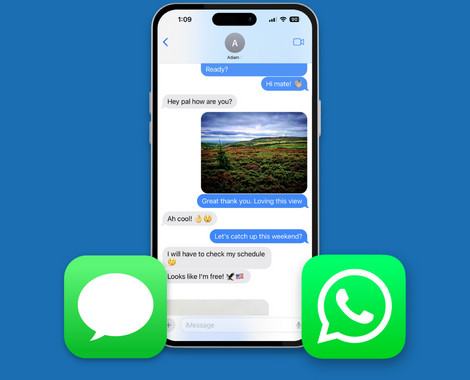
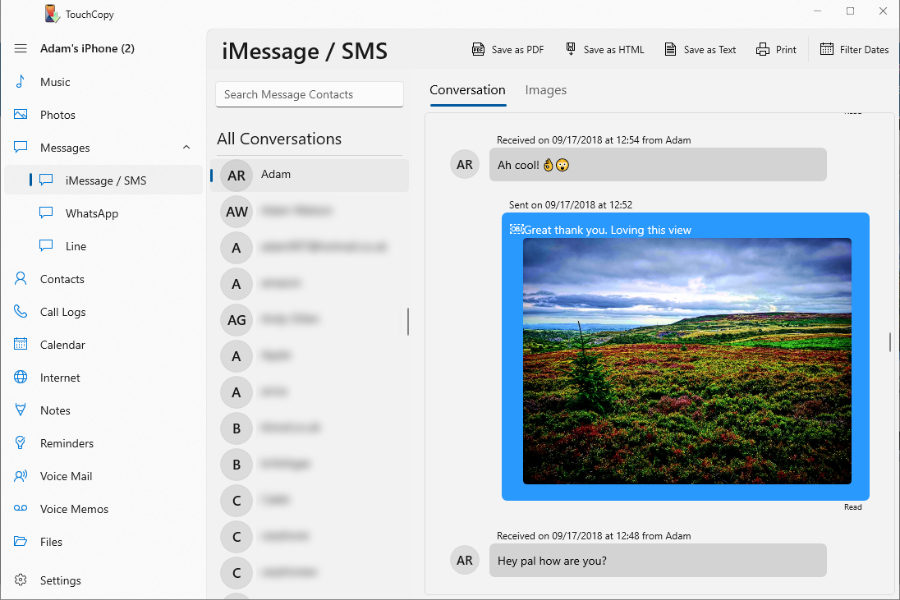
Save iPhone SMS, RCS, WhatsApp and iMessages
Easily export your SMS, RCS, WhatsApp, LINE and iMessage conversations to your PC or Mac. Choose to save your chats as PDF, HTML, CSV, or plain text files. You can save or print entire conversations or filter and save only specific messages. Plus, any attached media—such as photos, emojis, videos, contacts, audio messages and other files—will be transferred along with your chats!
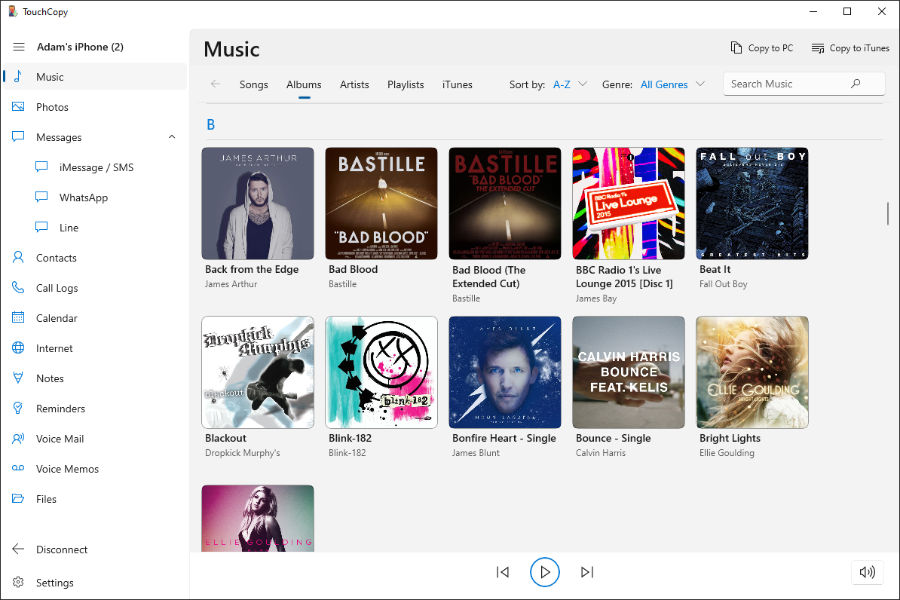
Transfer music from iPhone / iPod / iPad to iTunes
Copy your music from your iPod or iOS device to your PC or Mac hard drive. You can even transfer your music and playlists straight to iTunes or the Apple Music app including all your song data, your ratings, play counts and album art. Also transfers Podcasts, Audiobooks and iPhone ringtones.
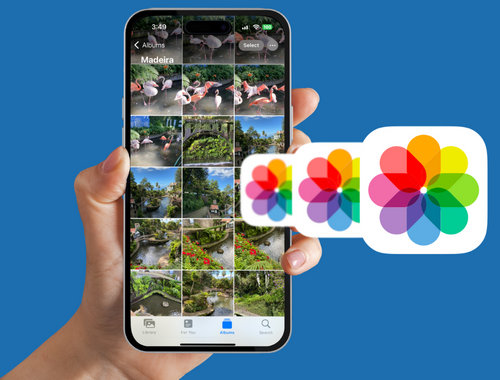
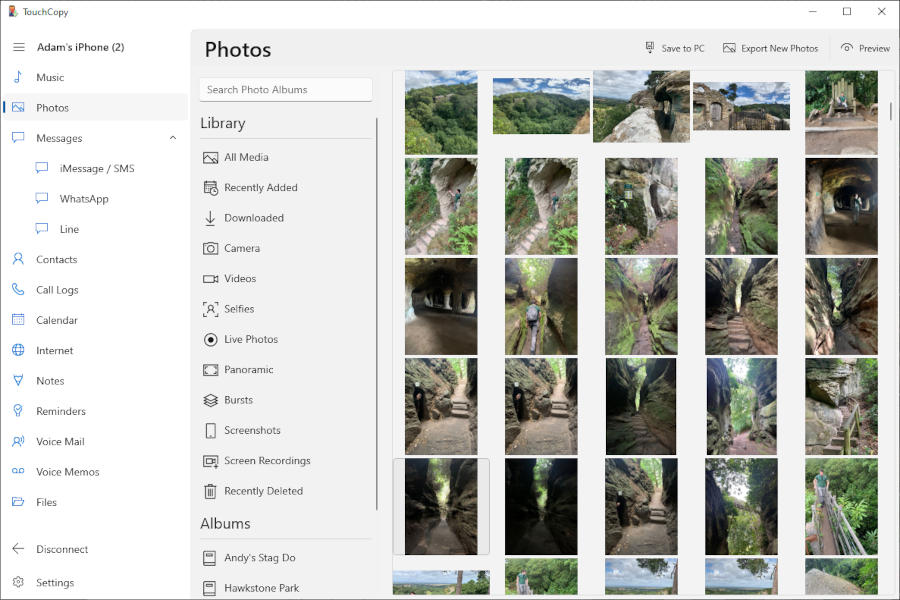
Backup iPhone Photos and Videos
TouchCopy lets you safely copy photos and videos from your iPhone, iPad, or iPod to your PC or Mac. It supports all major image and video formats, including JPG, PNG, HEIC, ProRAW, MOV, MP4, and HEVC.
You can also create incremental photo backups, so each time you use TouchCopy you'll be prompted to save only the new photos and videos you've added — making it quick and easy to keep your media fully backed up.
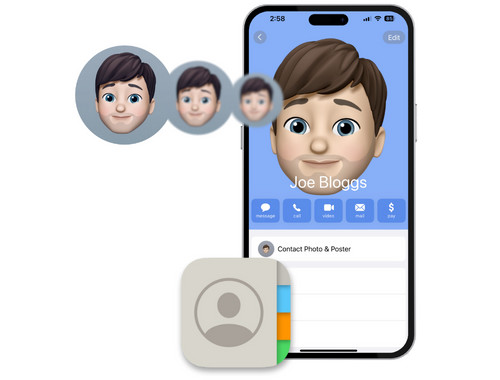
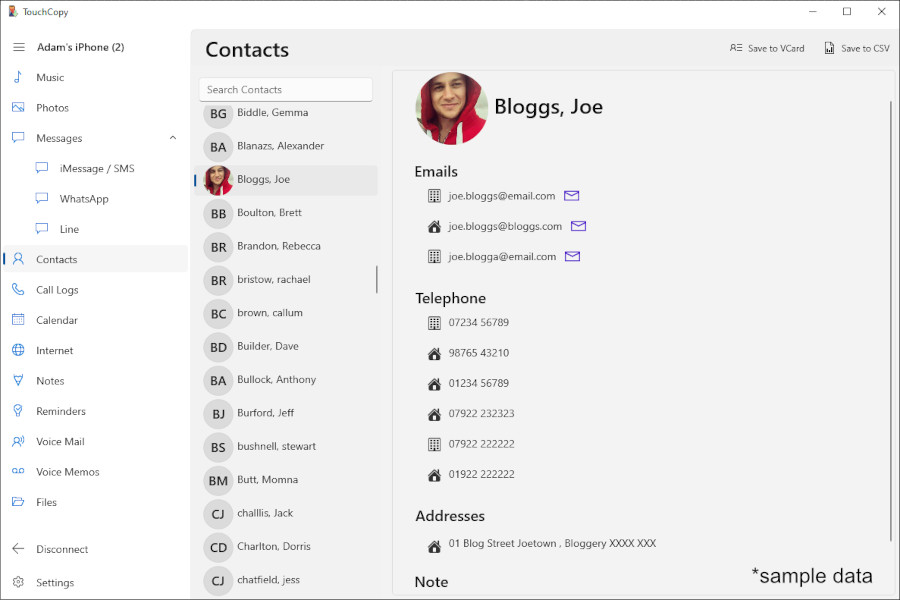
Transfer iPhone Contacts
TouchCopy can be used to copy your iPhone contacts to your PC or Mac. Contacts can be copied to your hard drive as vCard (.vcf) or CSV files. You can easily import those contacts into other contact managers like Microsoft Outlook, or manage them in spreadsheets.
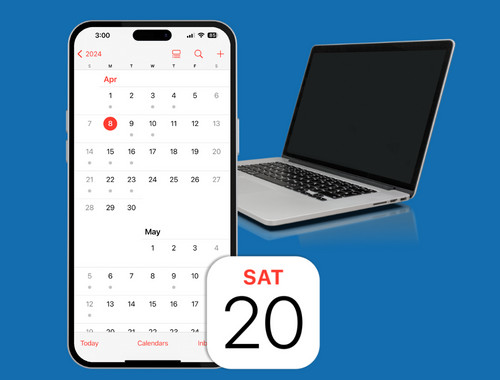
Export iPhone Calendars
Export and view calendars stored on your iPhone, iPad or iPod Touch. Calendars can be copied as iCal files which can then be imported into calendar managers like Microsoft Outlook, or as CSV for use in spreadsheet apps like Microsoft Excel.
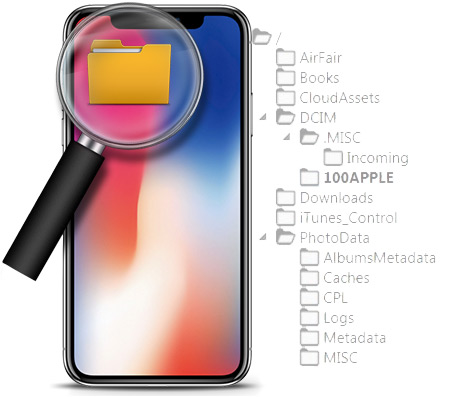
iPhone File Manager
TouchCopy can be used to access the file storage on your iPhone, iPad or iPod device. This enables you to use your device as a form of portable storage whereby files and folders can be added, copied or deleted.
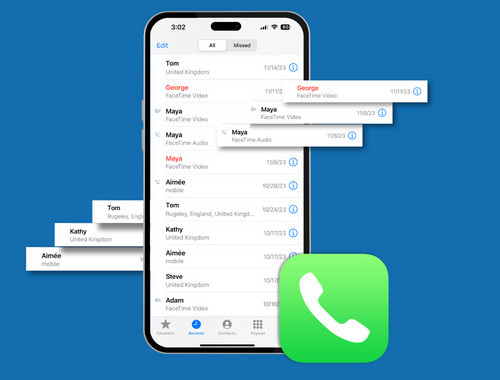
Backup iPhone Call Log History
Access your iPhone call history and copy them to your PC or Mac. Call logs are recorded on your device any time that you make or receive a phone call. These logs also include any Face Time and WhatsApp calls. Call logs include the date that the call was made and the duration of the call.