Powerful iPhone File Manager
- Browse iPhone files on your computer
via USB or Wi-Fi - Copy files from iPhone to PC or Mac
- Add files from your computer to iPhone
- Delete unwanted iPhone files with ease
- Use your iOS device as an
external hard drive - No iTunes, iCloud or jailbreaking required


Compatible with Windows 11 and Windows 10
All models of iPhone, iPod and iPad supported including iPhone 17 and iOS 27 devices
All models of iPhone, iPod and iPad supported including iPhone 17 and iOS 27 devices
◄ Features ►

Manage and Transfer Your iPhone Files
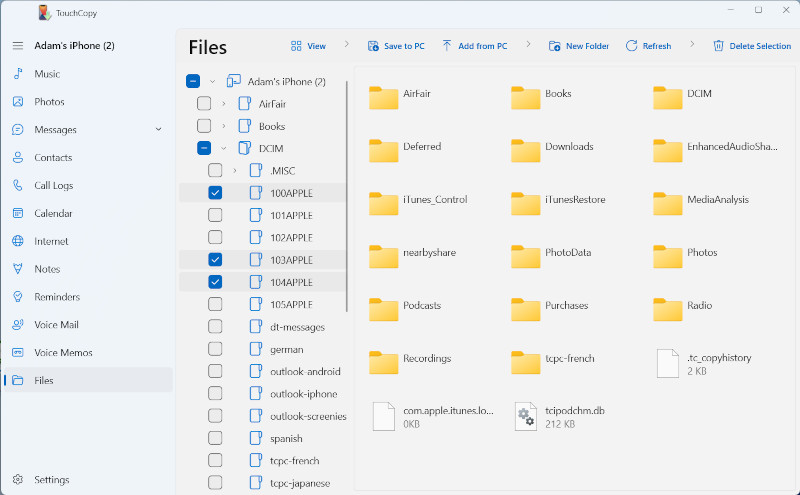
TouchCopy is a powerful iPhone, iPod Touch and iPad File Manager allowing you to browse and manage files on your device from your computer via USB or Wi-Fi.
Use Your iOS Device Like an External Drive
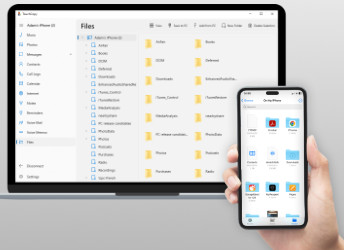
Need an easy way to store and manage files on your iPhone, iPad, or iPod Touch? TouchCopy lets you use your device as portable storage, so you can move files just like with a USB flash drive.
Simply connect your device to your computer and click the “Files” button in TouchCopy to access its file system. Browse folders, add new files, or delete unwanted items with ease.
TouchCopy is a free trial download for PC and Mac and it is compatible with all iPod, iPhone and iPad models. TouchCopy does not perform any jailbreaking or modification of your device.