What TouchCopy can do with your Voicemails
TouchCopy allows you to copy and export Voicemail messages you have received on your iPhone. With TouchCopy, you can access any voicemail types which are stored on your device:
- Visual Voicemails: These will be voice mails that are provided as part of the Visual Voicemail data plan from your mobile service provider. You can determine if your wireless carrier includes Visual Voice mail as part of their service from here...
https://support.apple.com/kb/HT1937. - Live Voicemails: A feature introduced in iOS 17 which shows a live transcription of the incoming voicemail, as well as saving the audio. TouchCopy can save the audio for you.
- FaceTime Voicemails: FaceTime Voicemail allows a caller to leave a message for you if you miss the call.
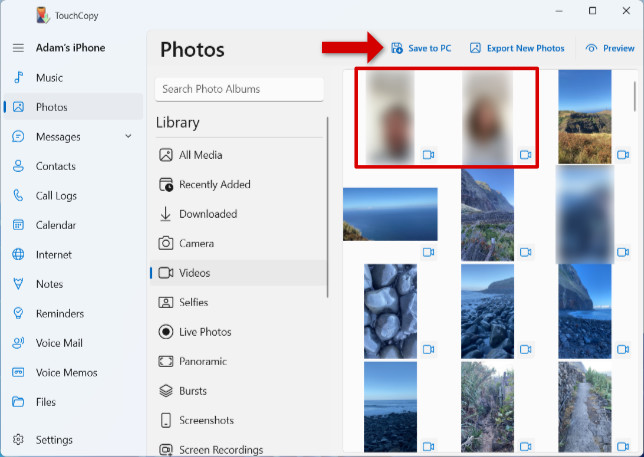
- FaceTime Video Message: Another feature brought in with iOS 17. If you miss a FaceTime Video Call, the caller can leave a video message for you. How to save FaceTime video messages with TouchCopy >
To find out more about different kinds of voicemail available on iPhone, check out our full iPhone voicemail guide.


TouchCopy will not be able to access voice mails that are stored remotely by your operator, i.e. those that you can hear by dialling your network provider.
How to Save iPhone Voicemails to computer
- Download and install TouchCopy on your PC or Mac
- Launch TouchCopy and connect your iPhone using your USB cable or Wi-Fi.
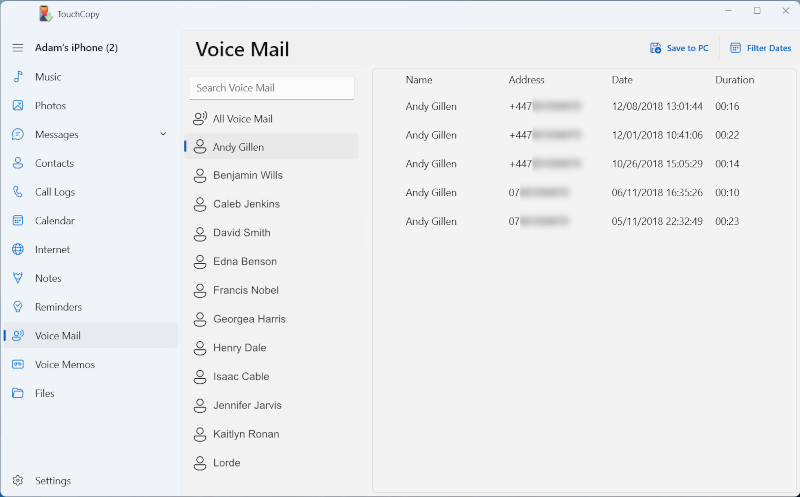
- Click the Voice Mail feature to view all Voice Mails currently stored on the iPhone.
- Select the voicemail entries you wish to save.
- Click "Save to PC" or "Copy to Mac".
 '.
'.