Wide Angle Software Wide Angle Software


Can I use TouchCopy to copy calenders, contacts and notes from my iPod or iPhone to my computer?

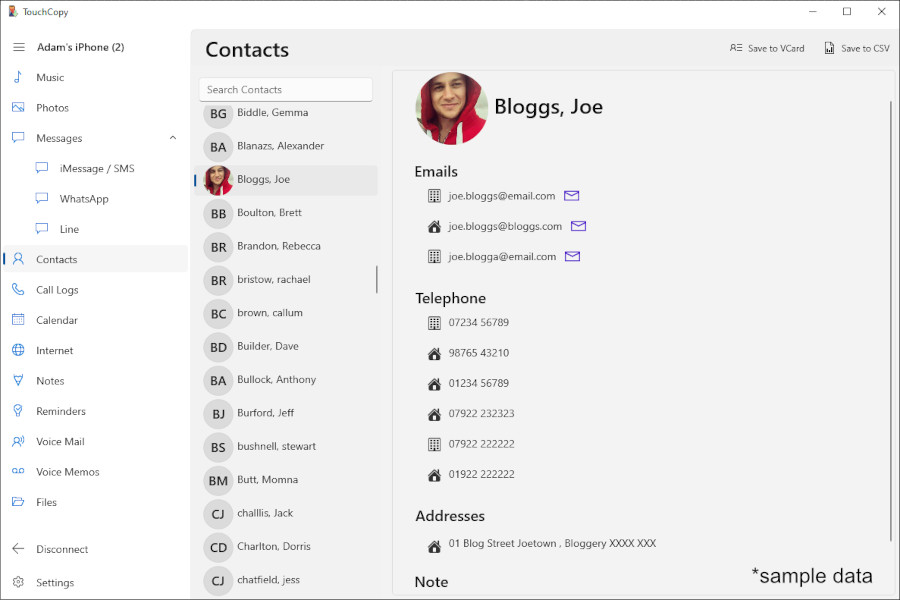
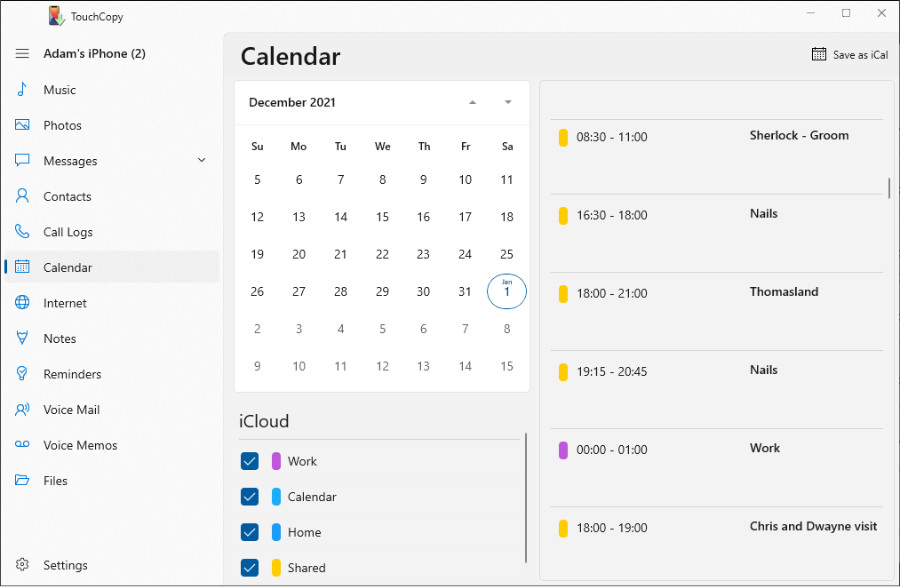
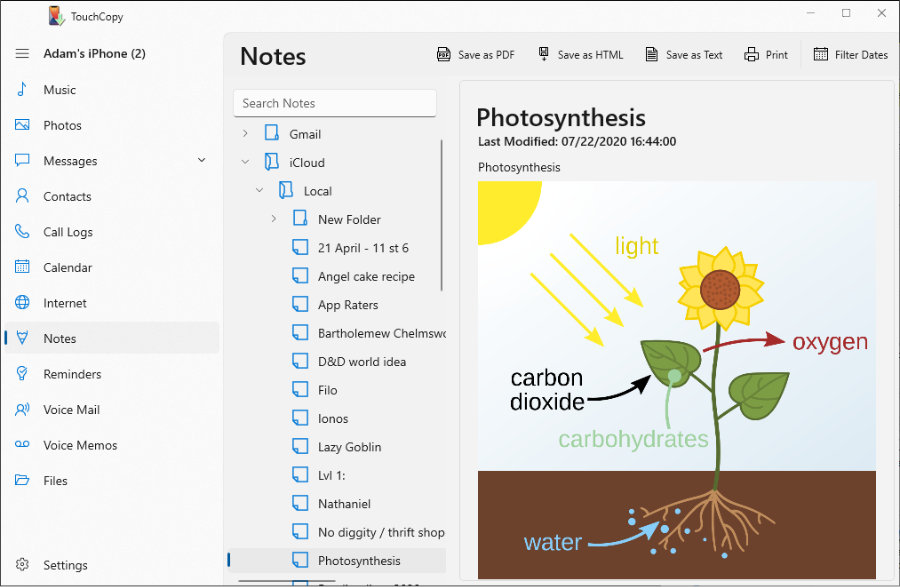
Version 9.50 and later of TouchCopy enables you to Copy iPod Contacts, Calendars and notes for all iPods and iPhone devices.

Please see our feature matrix for details of the features available for each iPod type.

You can update TouchCopy from here for PC or here for Mac.

If you do not see the Contacts or Notes buttons on the control bar then it may be that TouchCopy preferences are set not to show these items. Open TouchCopy options and click the Control Bar tab. Make sure that the Contacts and Notes check boxes are checked and then close the options window.

Please note that for iPod Touch and iPhone devices a subset of Contacts manager functionality is supported - the contacts control bar will only display the "Copy as vCard" button in TouchCopy. For click-wheel iPods, TouchCopy also allows you to Add, View, Modify and Delete Contacts directly on your iPod.

You can copy your iPod Contacts anywhere on your hard drive, preferably to a separate Contacts folder which you can create yourself. TouchCopy will copy your contacts to the chosen folder as .vcf files. Then use your email program or your address book program to import these .vcf files. If you are using Microsoft Outlook, open the folder where your contacts were copied and select them all using the Ctrl+A key combination, and then drag and drop them to Contacts in Outlook. Outlook will open each contact, and from there you will need to click on Save and Close button to save each contact to your Outlook Contacts. We are working on improving the way TouchCopy imports and exports Outlook contacts. Please keep an eye on TouchCopy updates from here for PC or here for Mac.

For our video and text tutorials on how to use TouchCopy's notes, contacts and calendar managers please see our user manual.


Date Added : 2008-09-19

Edit

Show all articles for TouchCopy

Go to TouchCopy home page.

Go to Wide Angle Software Support Home Page.

Copyright © 2010, Wide Angle Software Ltd

TouchCopy TouchCopy
Copy music and more from your iPod or iPhone to your computer.
TouchDrive TouchDrive
Mount your iPhone or iPod Touch as a drive in Windows Explorer.
MusicTagTool Music Tag Tool
Automatically download Album Art and Lyrics to your audio files.
Quivic Quivic HD
Download HD YouTube video for your PC, iPod, iPad or iPhone.
iRenew iRenew
Find and recover deleted files on your iPod.
Now Playing Music Post
Let your Facebook friends know what your listening to on your iPod. FREE APP
AppStore