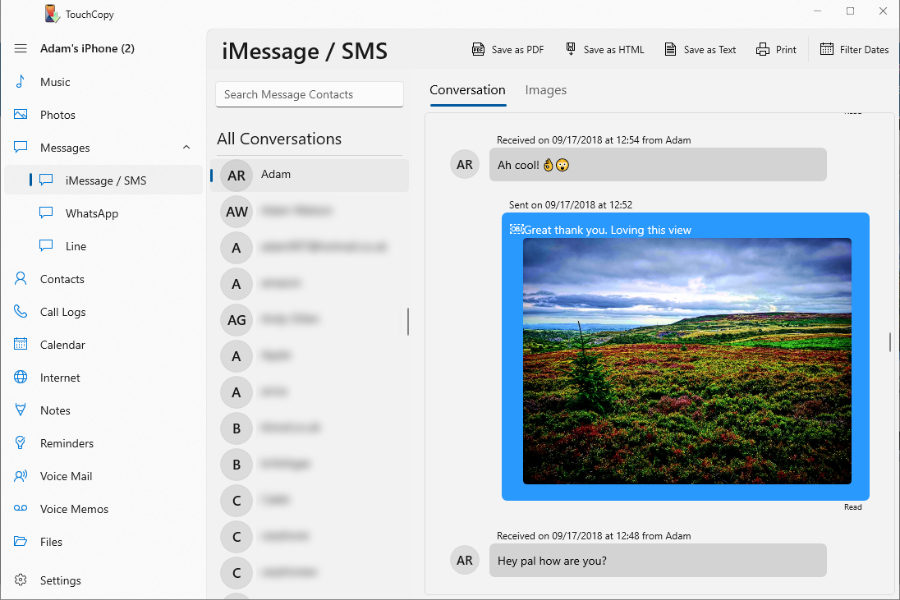
To find out more about any of these features, use the menu at the top of your screen on mobile, or the menu to the left on your computer.
Free Download Limitations
System: With TouchCopy, you can access all your iPhone, iPad and iPod content on your computer. You can use TouchCopy on a Windows or Mac computer. Check out our full tech spec to check if TouchCopy is compatible with your system.
Purchase: All demo limitations are removed in the full version of TouchCopy which is activated with a purchased licence for the software. We have different types of licences available for your requirements.
We use cookies to provide you the best experience on our website. To find out more, read our cookie policy. You may decline non-essential cookies if you prefer.
We use cookies to track usage and optimize your experience.